


Quality exceeded expectations. Exactly what I needed.

UpTo 35% OFF + FREE Shipping Today
Trusted by Over 20,000+ Happy Customers
100% satisfaction guaranteed
UpTo 35% OFF + FREE Shipping Today
Trusted by Over 20,000+ Happy Customers
100% satisfaction guaranteed
UpTo 35% OFF + FREE Shipping Today
Trusted by Over 20,000+ Happy Customers
100% satisfaction guaranteed
UpTo 35% OFF + FREE Shipping Today
Trusted by Over 20,000+ Happy Customers
100% satisfaction guaranteed
UpTo 35% OFF + FREE Shipping Today
Trusted by Over 20,000+ Happy Customers
100% satisfaction guaranteed
UpTo 35% OFF + FREE Shipping Today
Trusted by Over 20,000+ Happy Customers
100% satisfaction guaranteed
UpTo 35% OFF + FREE Shipping Today
Trusted by Over 20,000+ Happy Customers
100% satisfaction guaranteed
UpTo 35% OFF + FREE Shipping Today
Trusted by Over 20,000+ Happy Customers
100% satisfaction guaranteed
UpTo 35% OFF + FREE Shipping Today
Trusted by Over 20,000+ Happy Customers
100% satisfaction guaranteed
UpTo 35% OFF + FREE Shipping Today
Trusted by Over 20,000+ Happy Customers
100% satisfaction guaranteed
UpTo 35% OFF + FREE Shipping Today
Trusted by Over 20,000+ Happy Customers
100% satisfaction guaranteed
UpTo 35% OFF + FREE Shipping Today
Trusted by Over 20,000+ Happy Customers
100% satisfaction guaranteed
Couldn't load pickup availability
-
Ordered
- - -
Order Ready
- - -

This adapter turns the wired CarPlay or Android Auto your car came with into a wireless one. Pair your phone once, and it connects on its own from then on, with your phone still in your pocket.
You paid for CarPlay. It is built into the dash. And every time you get in, you go through the same small ritual: find the cable, dig out your phone, plug it in, drop it in the cupholder where it slides around on every turn, then unplug it again when you get out. Twice a day, every day, for a screen you already own.
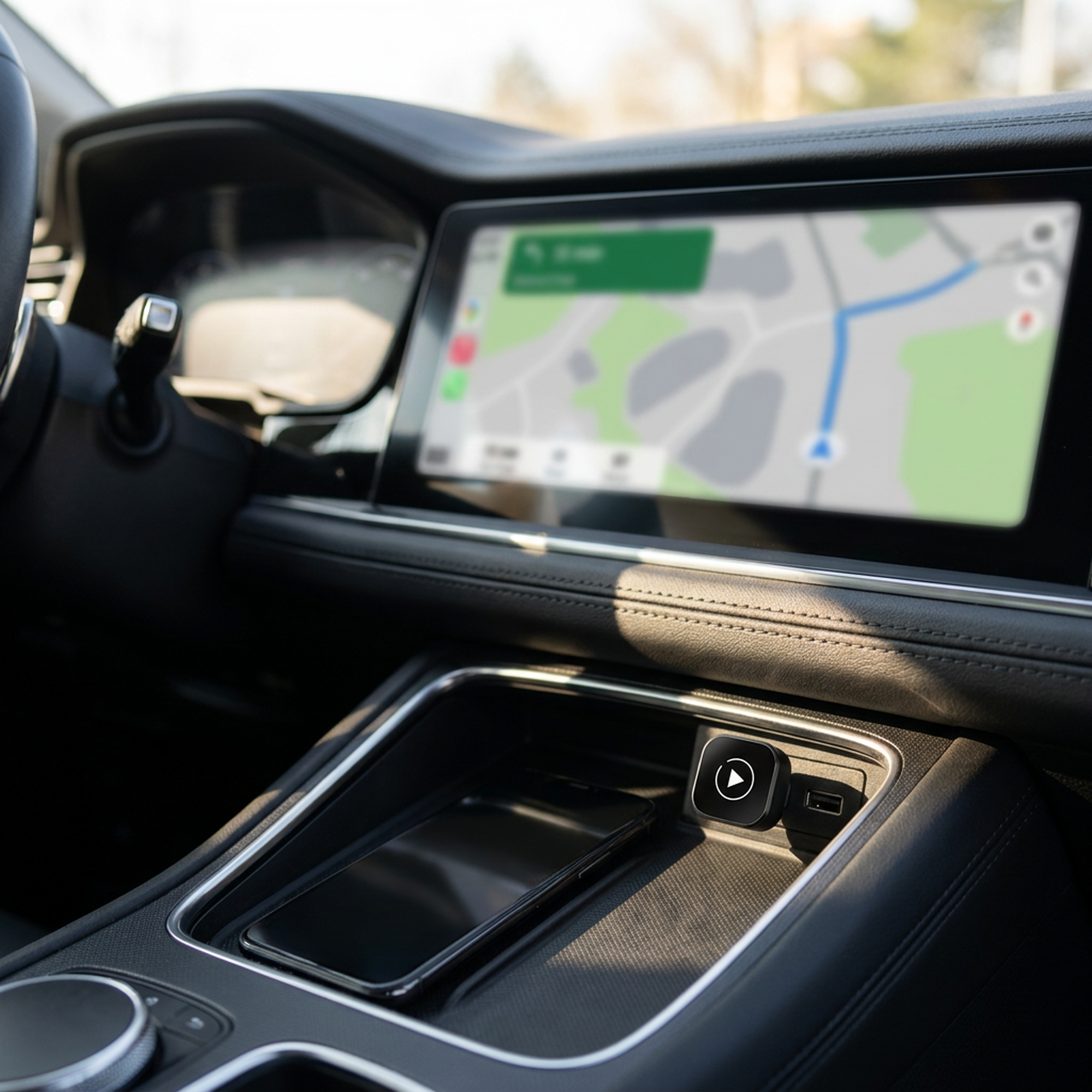
Plug this adapter into the USB port you use for CarPlay today and pair your phone once. From then on you get in, start the car, and your maps, music, calls and messages come up on the factory screen on their own, with your phone still in your pocket, your bag or the console tray. No cable. No reaching. Nothing to remember.
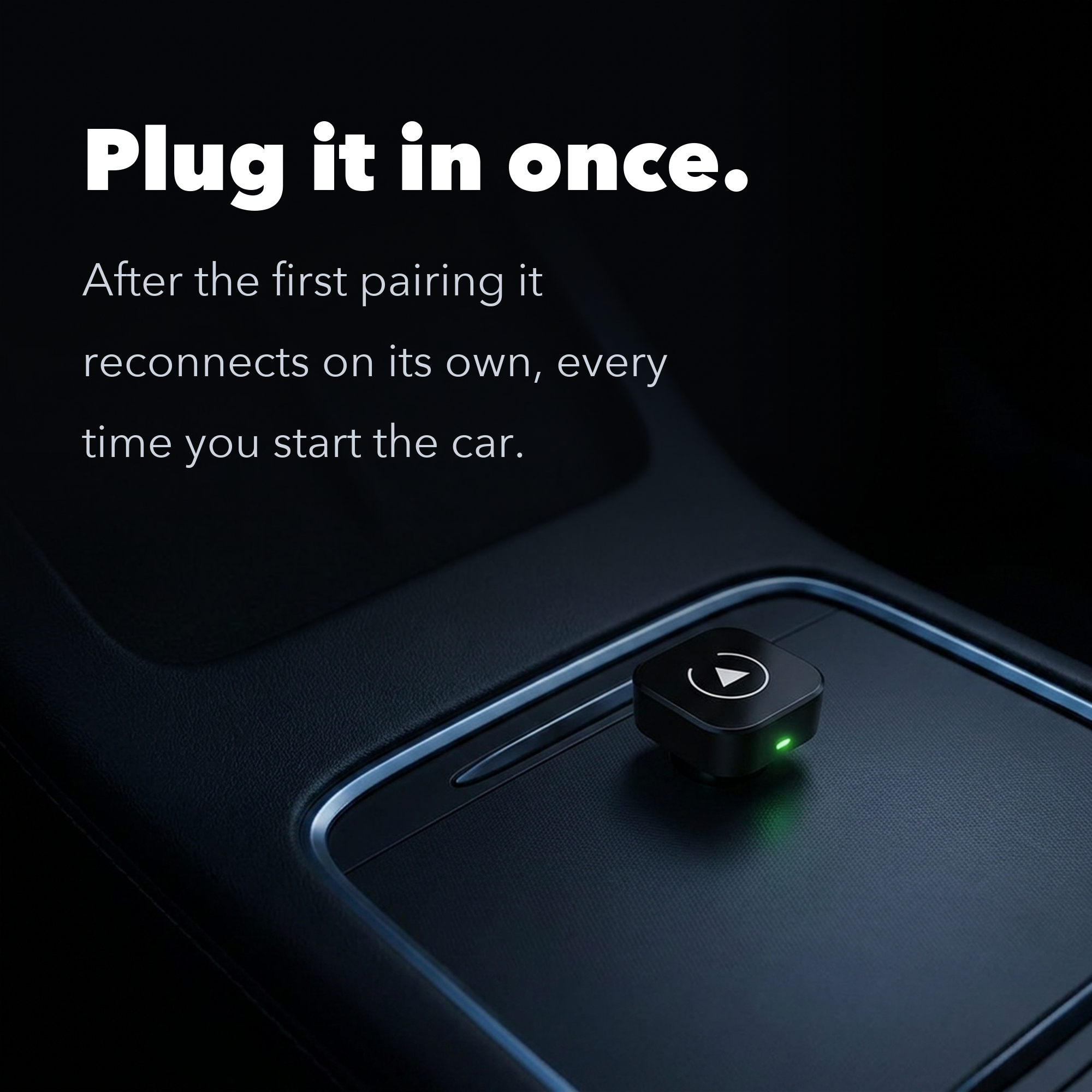
The adapter sits in your car's CarPlay USB port and does the handshake your cable used to do. It finds your phone over Bluetooth, then hands the connection to Wi-Fi to carry the picture and the sound. Your car's system does not know the difference, because as far as it is concerned your phone is still plugged in.
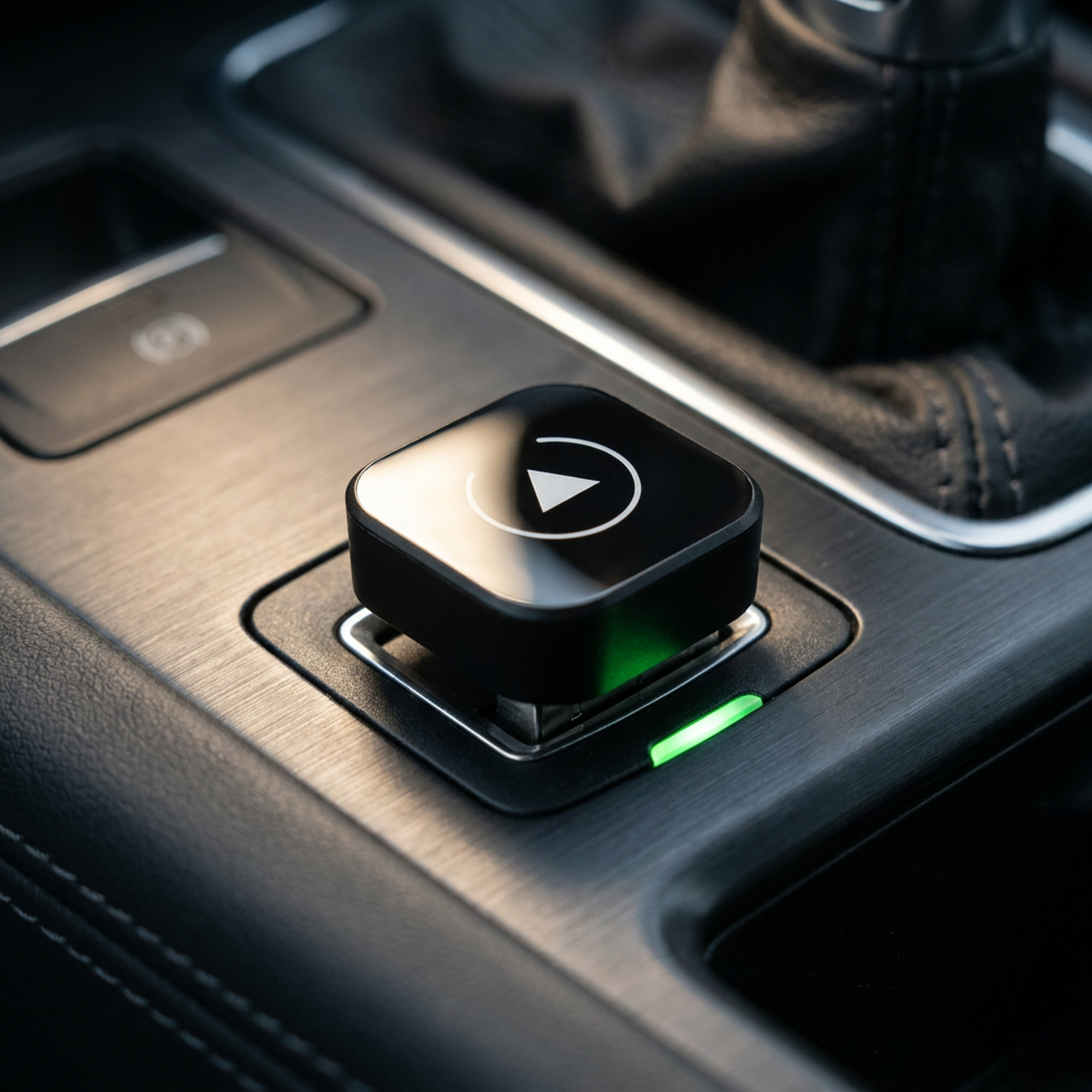
Here is the ten-second check. Plug your phone into your car with a cable today. If Apple CarPlay or Android Auto opens on the screen, this adapter makes that same system wireless.
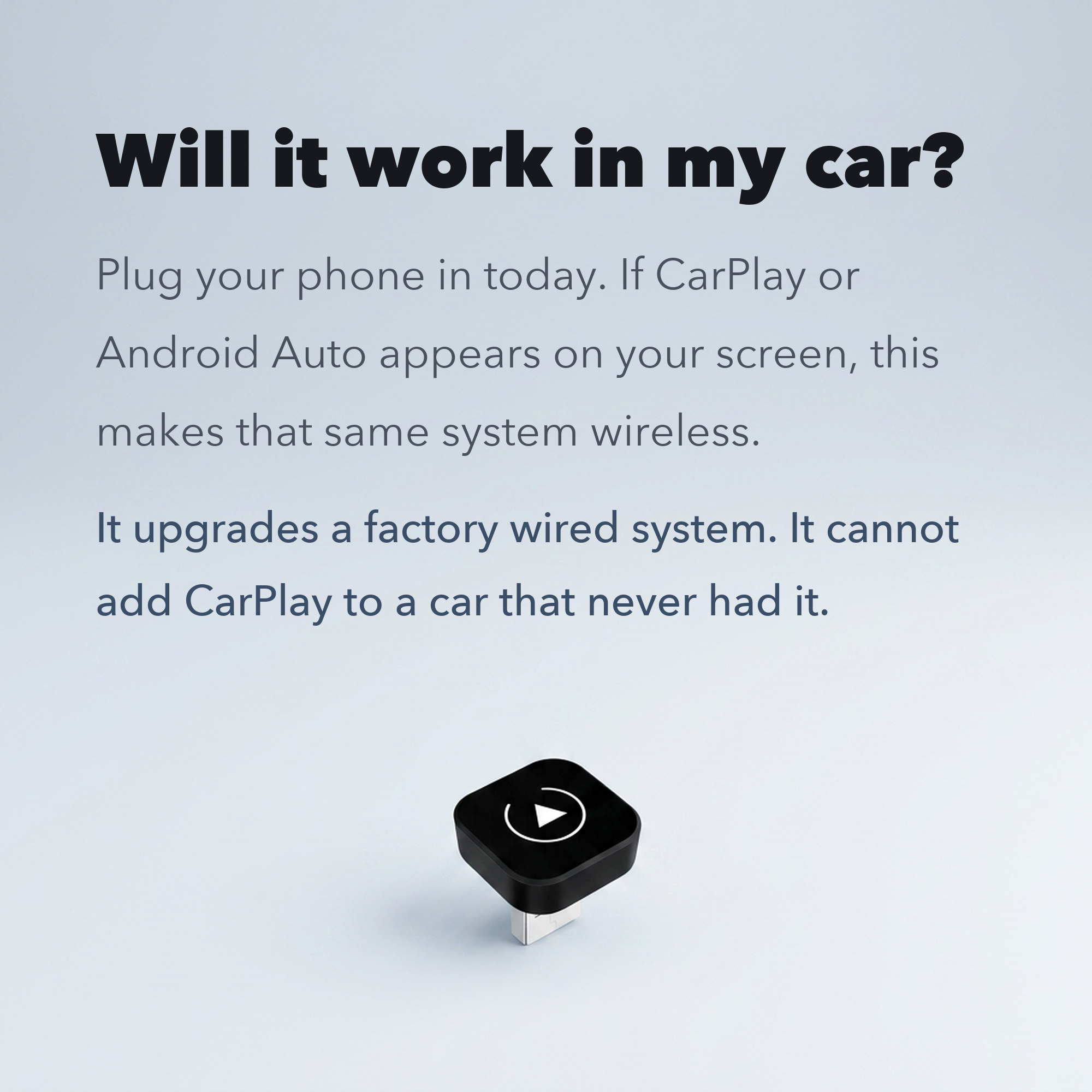
That is the whole requirement. It upgrades a factory wired Apple CarPlay or Android Auto system. It cannot add CarPlay to a car that never had it, and it is not a replacement stereo.
One thing worth checking: use the USB port your car actually uses for CarPlay. Some cars have extra ports that only supply power.
Plenty of wireless adapters handle Apple CarPlay only. This one runs wireless Apple CarPlay and wireless Android Auto, so an iPhone and an Android phone can share the same car and the same adapter. You do not need a second dongle, and you do not need to pick a side when someone in the house changes phones.
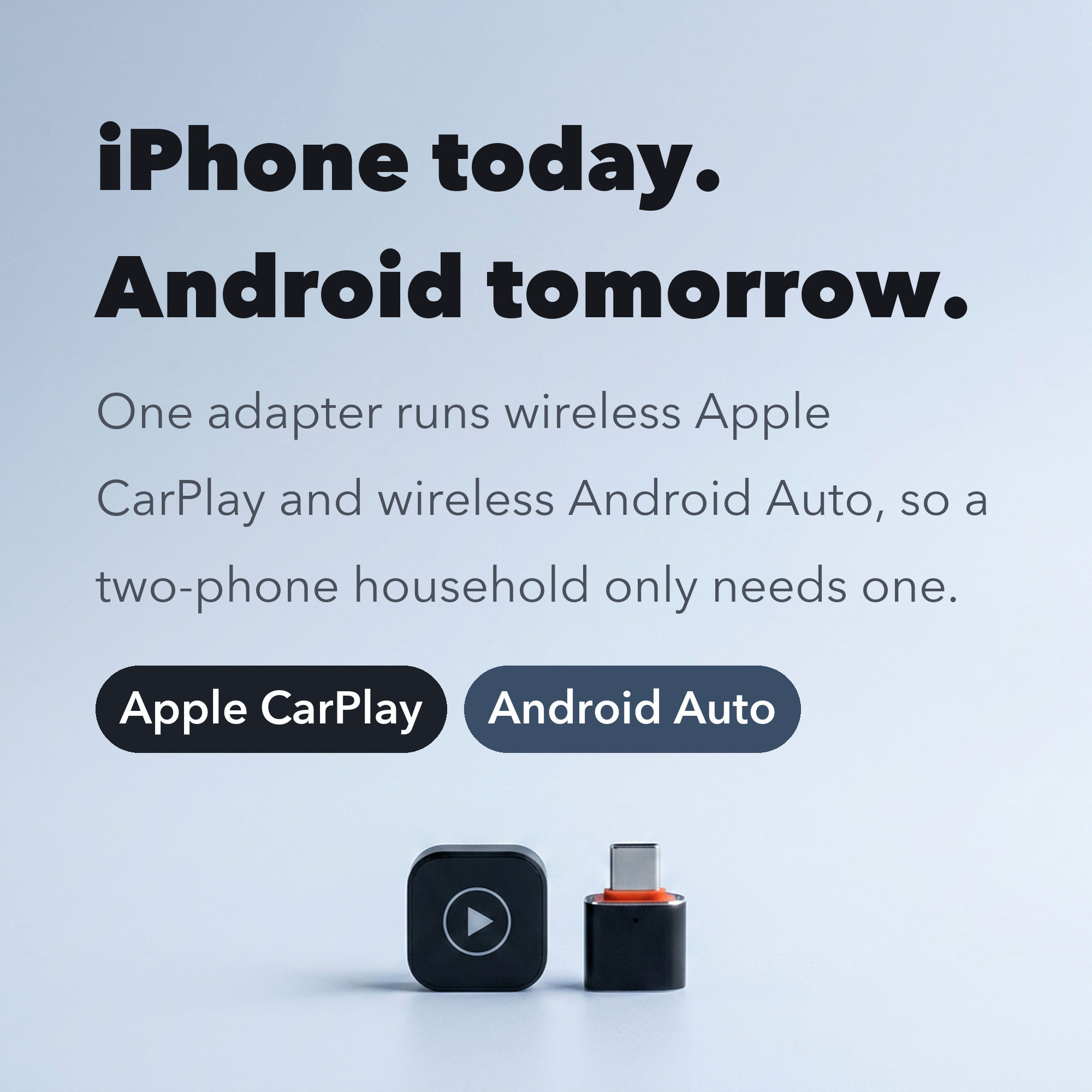
The other way to get wireless CarPlay is to replace the head unit: a new screen, an install bay, a wiring harness and a bill that runs into the hundreds. This keeps your screen, your steering wheel buttons and your reversing camera exactly as the factory set them up, and asks for one USB port.
After that first pairing it reconnects on its own each time you start the car.
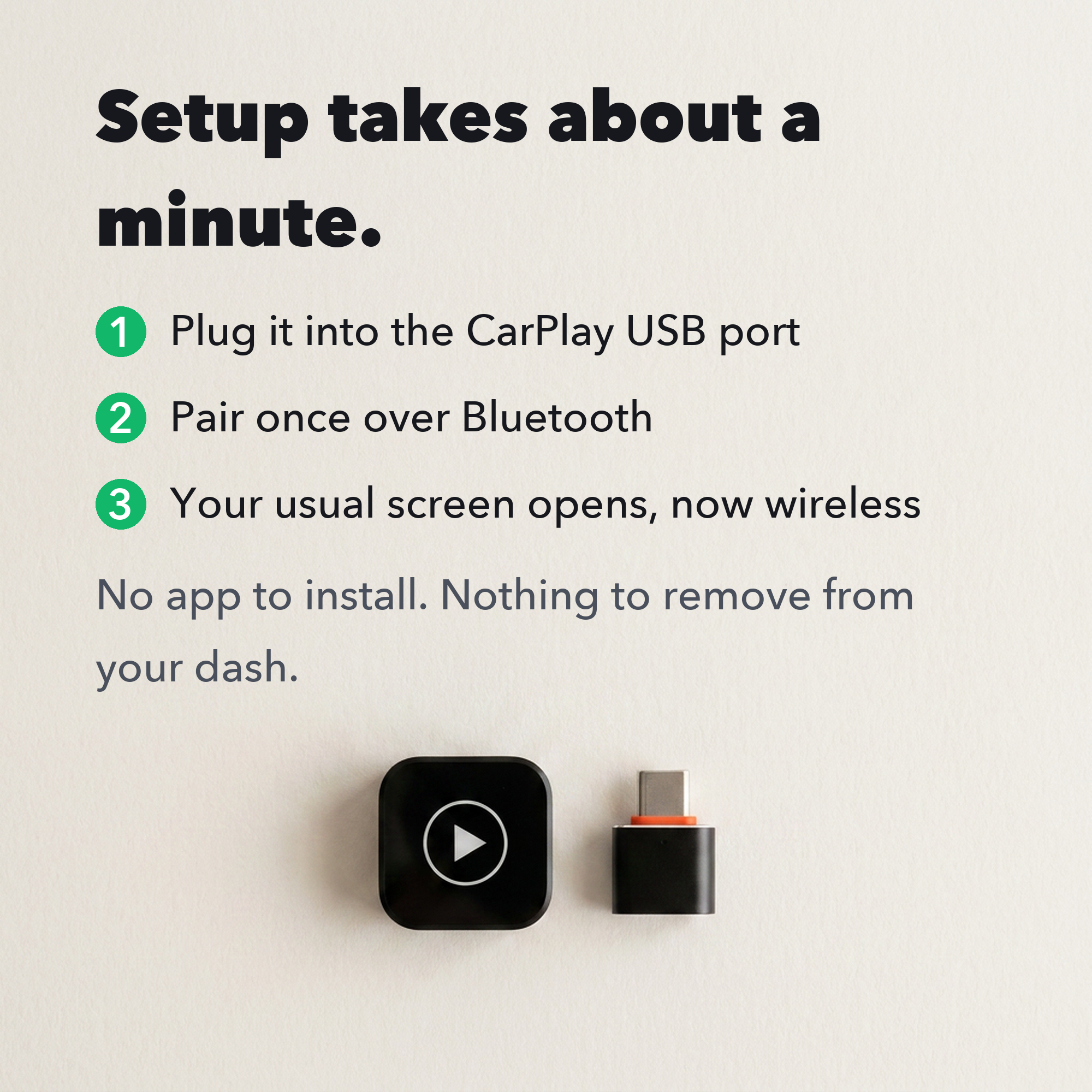
Wireless CarPlay is not instant the way a cable is. After you start the car, give it a few seconds to wake up, find your phone and connect. Wireless adapters in this category generally take somewhere between ten and thirty seconds, and it settles into a predictable rhythm once you have used it a few times.
A wireless link also draws a little more phone battery than sitting plugged in, and it can be affected by heavy Wi-Fi congestion in dense city areas. On long drives, a charging cable in a second port covers it.
Your dashboard already does everything you need. This just stops it asking for a cable first. Plug it in once, pair once, and let the car take care of it from then on.
Covered by our 90-day return policy.


Sign up for our email newsletter for special discounts and exclusive offers.
M : S
Use the code bellow at checkout to get 10% off your First order!
Code copied successfully!
Quality exceeded expectations. Exactly what I needed.
Arrived quickly. Great quality and I will definitely order again.
Better than expected for the price. Feels genuinely premium.
Amazing experience from ordering to delivery. Highly recommend.
Already recommended it to friends. Everyone has been impressed.
Bought more than once and the quality has always been excellent.